Challenges and Results
Challenges
- Submitting contract specifications (application documents defining the terms of a contract) relied entirely on all employees (requesters) sending them as email attachments to a dedicated department, the Contract Office
- Email alone made it impossible to manage the status of requests centrally, so the Contract Office handled an ever-growing volume without knowing who was handling which request or how far it had progressed
- Requesters had no way at all to check how far their submitted applications had progressed, leaving progress a black box
Results
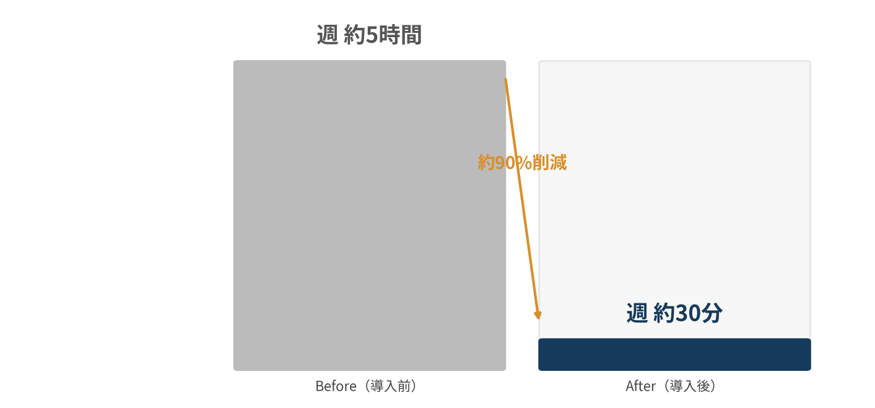
- Cut the time spent on email handling and status reporting from about 5 hours a week to about 30 minutes a week
- Both requesters and the Contract Office no longer need to send emails at all, and progress is now visible in real time. The Contract Office no longer needs to track status manually.
Before
An email-based process where no one could see who was handling what, or how far it had gone
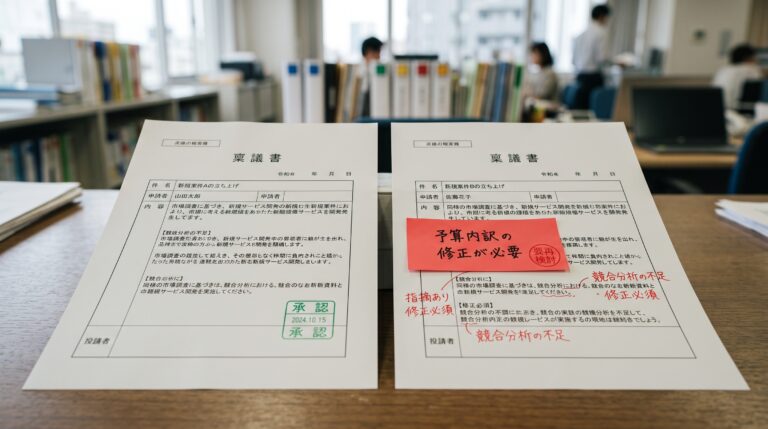
Contract specifications (application documents defining the terms of a contract) are similar in nature to approval requests, and checking submitted documents for errors or omissions is the role of a dedicated department, the Contract Office. For a long time, all employees (requesters) sent these application documents to the Contract Office as email attachments. However, as the types of contracts diversified, with different items to check and different documents required for each type, the number of applications arriving each day also grew. As a result, it became impossible to see who had completed which status, or who was currently handling a request.
The most serious problem was that only the Contract Office had any view of progress. Requesters who had submitted documents had no way to check how far their applications had progressed, and dissatisfaction with the traditional email-based process grew strong on the ground.
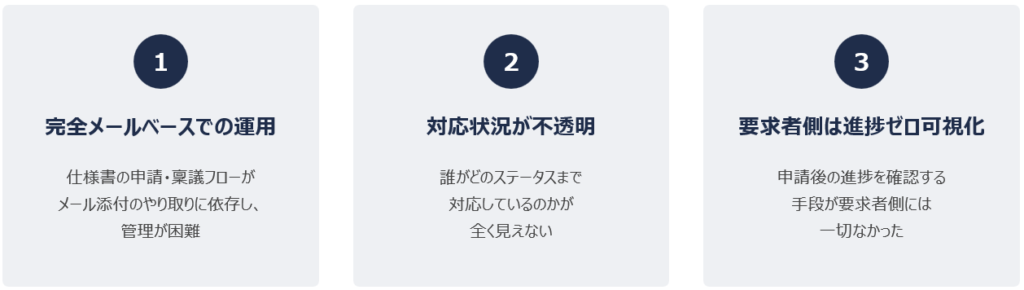
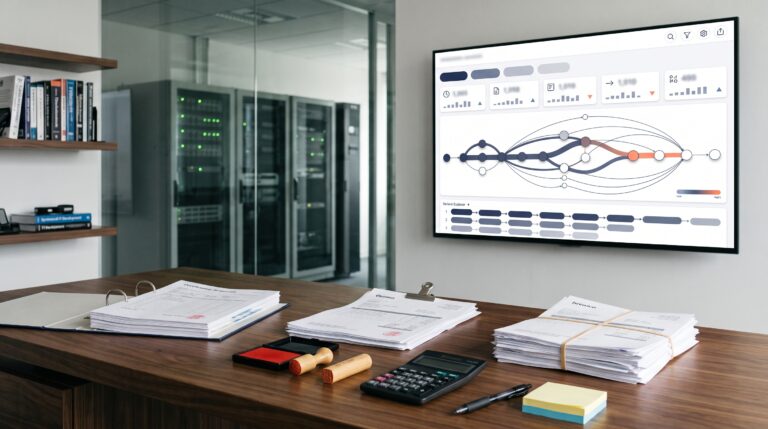
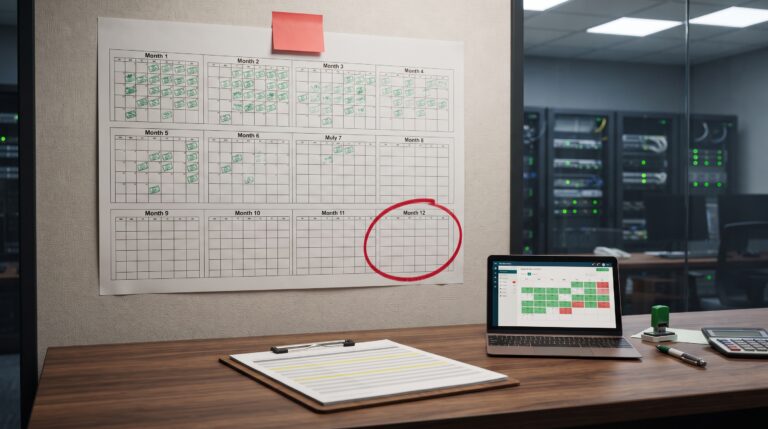
Figure: Three challenges of the email-based process
Redesign
Building a Requester App and a Contract Office App with Power Platform
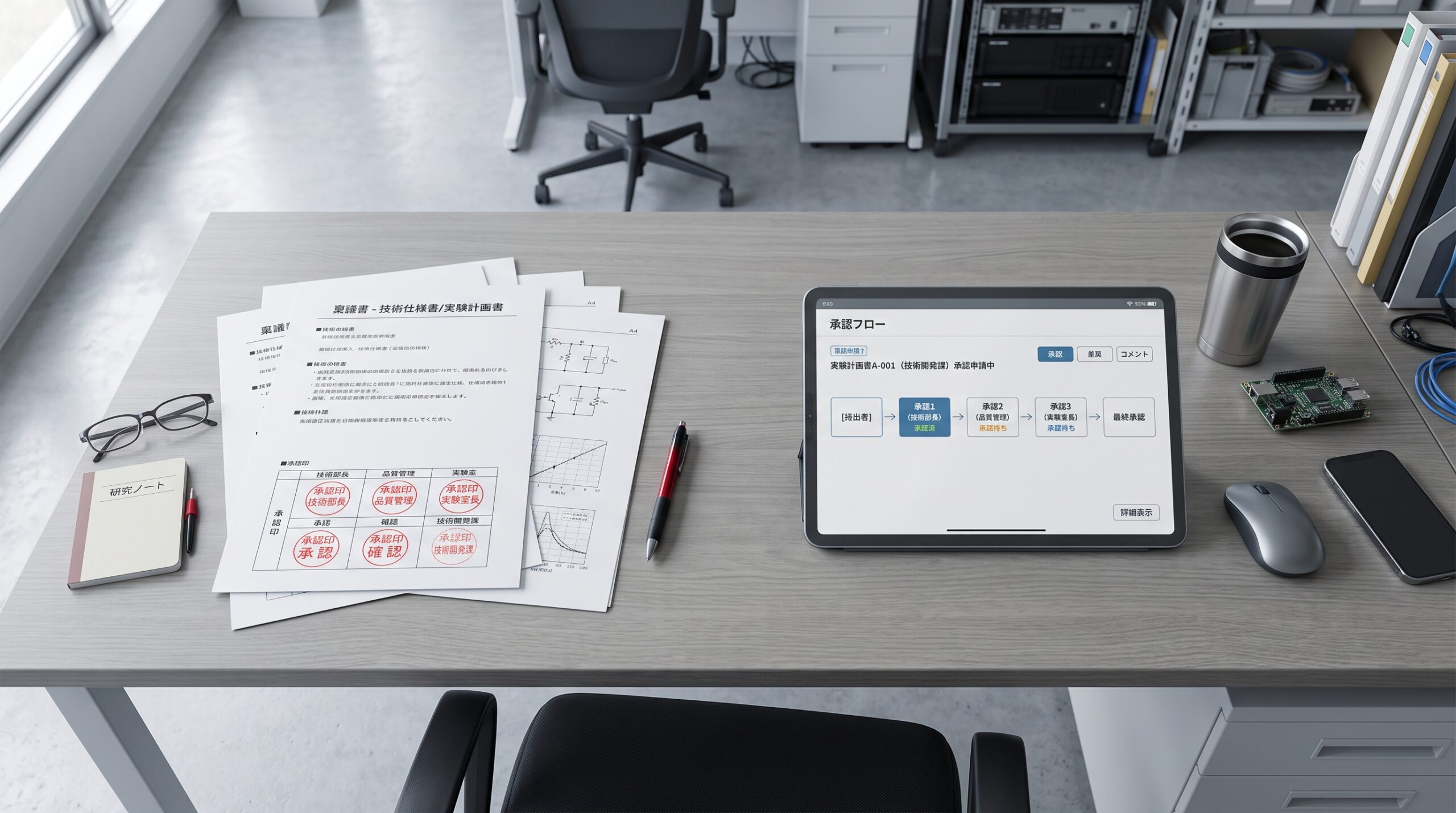
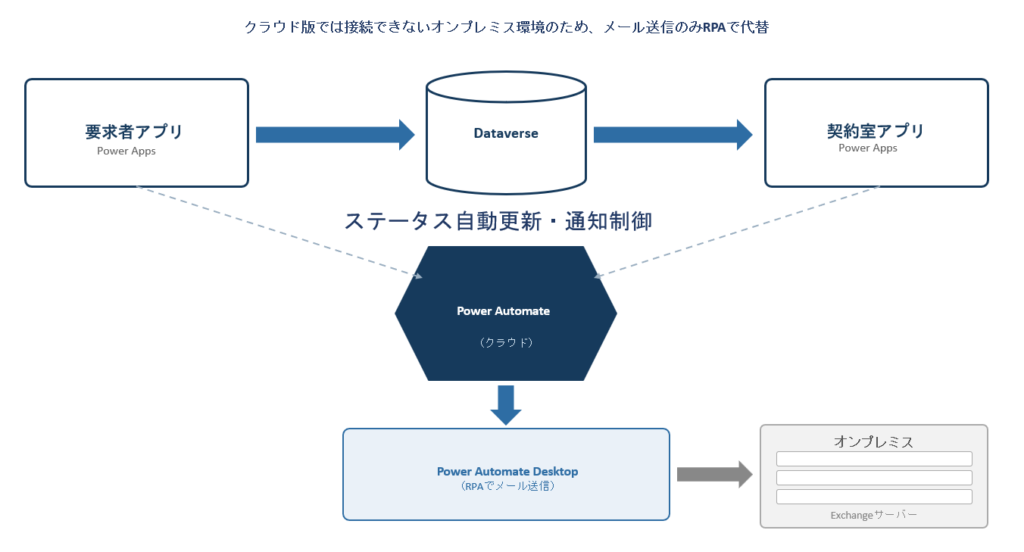
ITSO used Power Platform to build two applications: a Requester App used by all employees, and a Contract Office App used by the Contract Office to review applications. Power Apps serves as the front end, Power Automate as the back end, and Dataverse as the database.
A distinctive feature of the project was an environmental constraint: the mail server was an on-premises Exchange server, not a cloud version. Because connecting cloud flows directly to the on-premises mail server was difficult, ITSO combined Power Automate Desktop (RPA) for the email sending step only, overcoming this infrastructure constraint specific to on-premises environments.
After
Handling time cut sharply, from 5 hours a week to 30 minutes
Before the apps were introduced, email handling and status reports to supervisors alone took one hour a day, or about five hours a week. After introduction, sending emails and checking status were consolidated in the app interface, with information displayed and emails sent automatically, bringing this time down to nearly zero. Even including final checks, the work now takes only about 30 minutes a week.
Because sending emails was fully automated along with status checks, both requesters and the Contract Office no longer need to send emails at all.
Beyond the quantitative results, the system has also been well received on the ground. Requesters have said, “Being able to check the detailed status after submitting an application gives us a real sense of reassurance.” The Contract Office also appreciates that the database now shows who is handling how many requests and how far each has progressed. The work of sorting things out individually over email is no longer necessary, greatly reducing their workload.
If your organization finds it cannot track the status of applications through email alone, we hope this case offers useful insights.