Challenges and Results
Challenges
- For about 3,200 employees, HR staff manually determined, case by case, which of three to four rule patterns applied based on hiring type and years of service, and sent the notifications by hand
- Missed notifications caused by applying the wrong pattern, and infrequent checks (once or twice a month) due to the heavy workload, had become routine
Results
- Full automation with Automation Anywhere handles notifications to employees, their managers, and HR from start to finish, from conditional logic to sending emails
- Inquiries about missed notifications dropped to zero. Checks now run on 10 to 15 business days a month instead of once or twice a month, and savings grew from the initially projected 77 hours per year to 200 to 300 hours per year
Before
Complex decisions for 3,200 employees, all made by hand
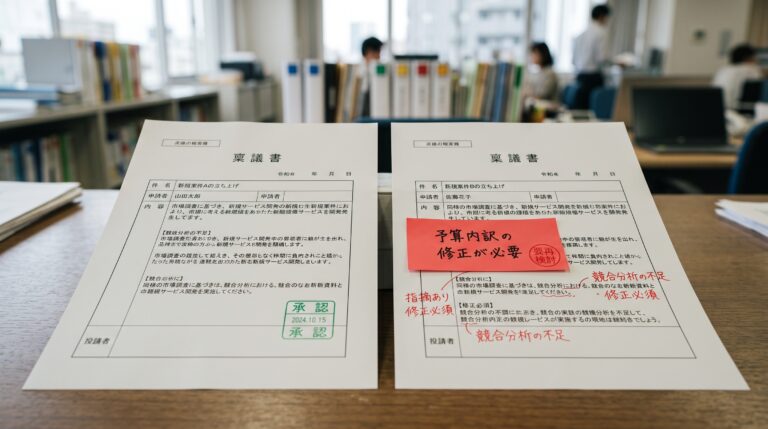
About 3,200 employees were covered. HR staff pulled data from the attendance system, identified employees who had not taken their annual leave by checking it against counting rules that differed depending on whether the employee joined in April or as a mid-career hire, and whether they were in their first year or their second year or later, and then notified each employee and their manager individually. All of this was done by hand. There were three to four patterns to apply, and each case required a person’s judgment.
This reliance on manual work created two problems. The first was human error: applying the wrong pattern and leaving someone out of the notifications. There were also many exception rules, such as notifications going to manager A in one department and to another contact, B, in a different one. These were not managed centrally in any system but were simply written down in local documents within the department. The second was low frequency: because of the heavy workload, sending notifications by hand once or twice a month was the most staff could manage.
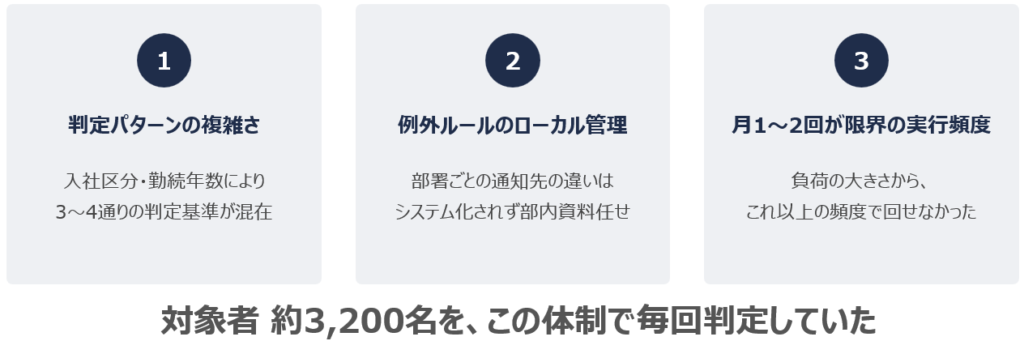
Figure: The reality of manually screening 3,200 employees
Redesign
“Actually, the rule was different”: specifications that changed five or six times during requirements definition
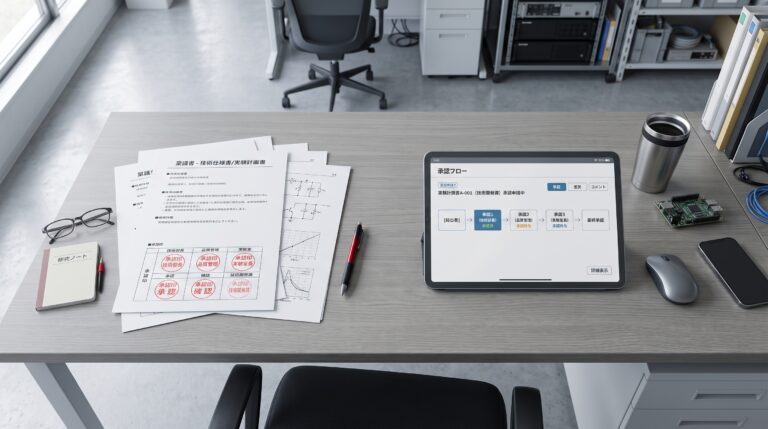
The hardest part of the automation was requirements definition itself. The rules for granting and counting annual leave differ depending on whether an employee is a new graduate or a mid-career hire, and whether they are in their first year or their second year or later. From the second year onward, leave is counted uniformly from April 1, while first-year mid-career hires must be counted for one year from their hire date. Even the HR staff on site could not accurately put into words how they actually applied these detailed rules.
As a result, the specifications changed five or six times from the start of development to launch, each time with an “Actually, it works like this.” Because discussions in words alone led to misunderstandings, ITSO drew the timelines as band diagrams and confirmed each point one by one, asking, “Is it correct that we count from here to here?” In this way, ITSO sorted out rules that had confused even the staff on site and arrived at the true specifications.
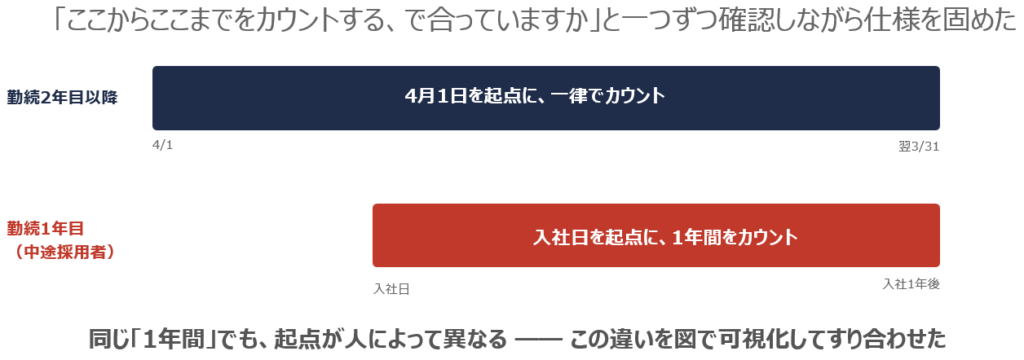
Figure: Different starting points for counting annual leave (band diagram used in requirements definition)
Automating everything from eligibility checks to tailored emails with Automation Anywhere
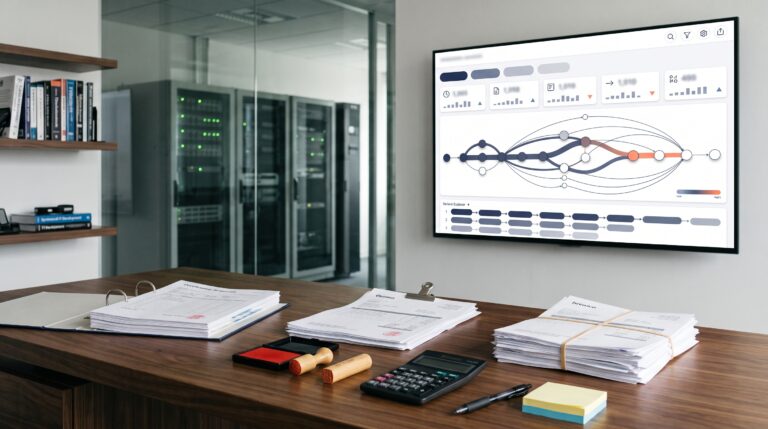
The RPA solution is built around Automation Anywhere running in a virtual environment on Azure. It runs data retrieved from the attendance system through conditional logic one record at a time, identifies each employee’s manager, and then automatically generates and sends emails with different wording for the employee, the manager, and HR.
The exception rules for notification recipients, which differ by department, were organized into an Excel “master file” that the RPA references to make decisions automatically. In the requirements definition phase, ITSO clarified and simplified the conditional logic, identified a comprehensive set of test patterns, and reviewed each one with users on paper. ITSO served as PM and managed the project as a whole, a full-time employee of the client joined as PL, and one dedicated developer handled development. With this team, the project moved from requirements definition to launch within a tight schedule of August to September 2025.
After
Savings grew from the initially projected 77 hours to 200 to 300 hours
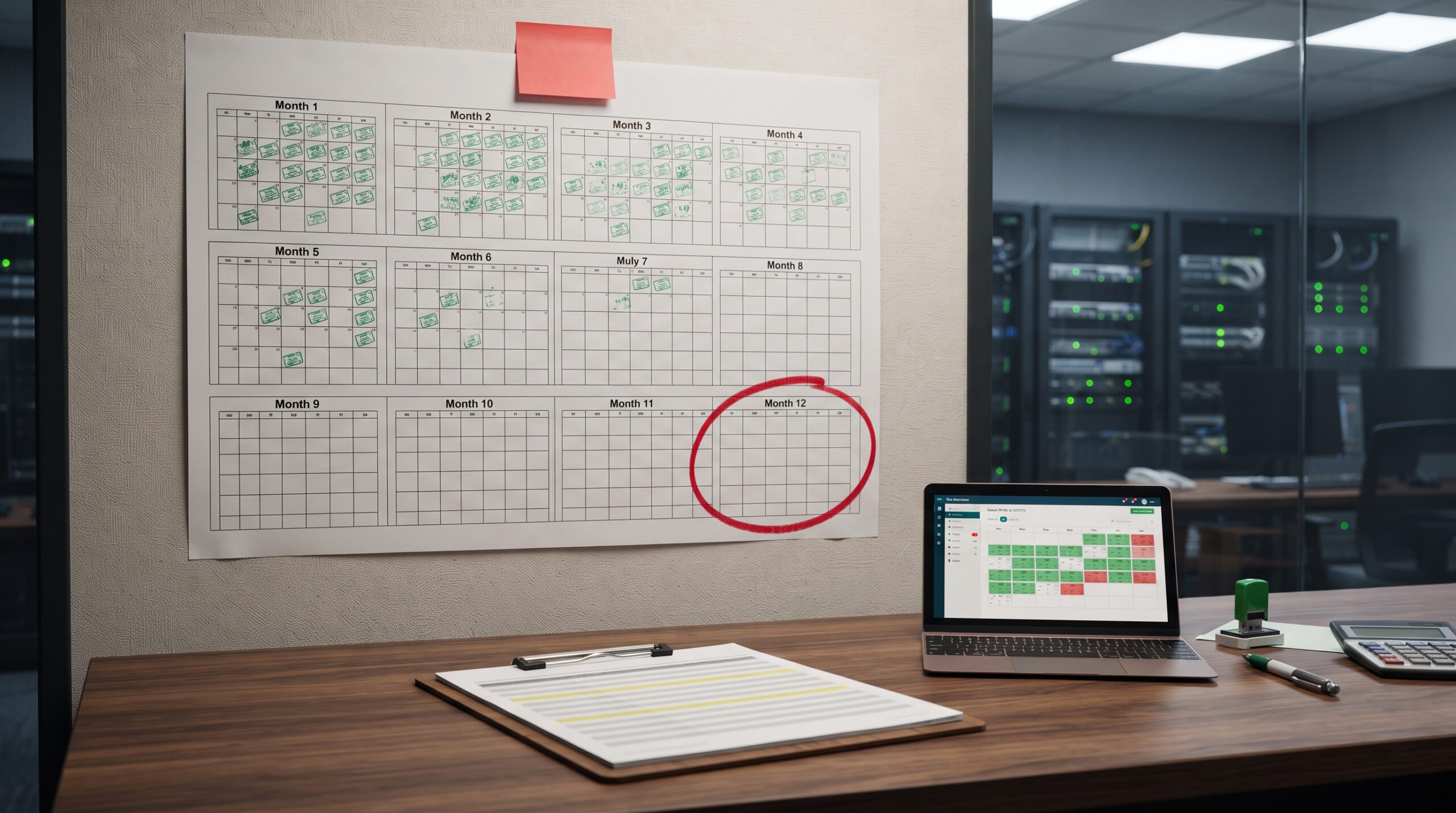
Since full automation, there have been no inquiries at all about missed notifications, apart from a time when the mail server went down. The initial estimate assumed manual operation once or twice a month and projected savings of 77 hours per year. Because automation has removed the processing burden itself, however, checks and notifications now run on 10 to 15 business days a month, more than half the month.
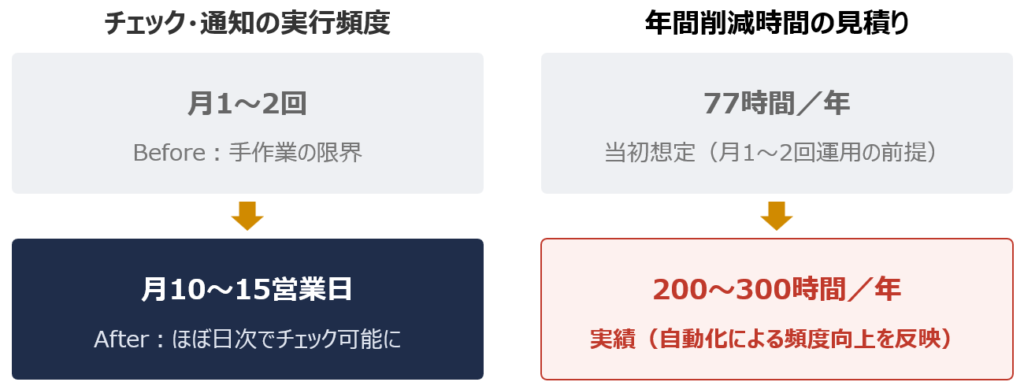
Figure: How the impact of automation changed
Since reaching this frequency by hand would have been impossible, the actual savings have far exceeded the original estimate, reaching 200 to 300 hours per year. The HR department has expressed its appreciation many times, both for faster follow-up with employees who have not taken their leave and for the near elimination of the manual workload of checking and sending notifications.
Next steps: tool consolidation and the move toward AI agents
In addition to Automation Anywhere, the company also runs BizRobo and Power Automate, and consolidating these tools has been an ongoing topic of internal discussion. However, BizRobo mainly handles core processes where failure is not an option, and because its on-premises setup offers stability that takes priority, migration has been carefully put on hold.
At the same time, trials of building generative AI into RPA have begun. In place of traditional RPA, which is vulnerable to changes in screen layout, a proof of concept is underway in which generative AI is instructed by prompts to operate screens flexibly, with this team serving as the testing ground. ITSO’s RPA support across the group, built up over many years, is also expanding to serve as a base for testing new technologies like these.